
Online Notepad for Daily Notes
Write, organize, and manage your daily notes quickly with a simple online notepad.
Insert Image
Click or drag image here
Insert Link
Insert Table
Quick Note-Taking
Capture thoughts without unnecessary complexity.
Clean Writing Space
Keep attention on your text instead of the interface.
Simple Workflow
Move from idea to writing with fewer distractions.
Browser-Based Convenience
Use the writing experience directly from your browser.
Your Ideas Shouldn't Wait
More Complicated Than It Needs to Be
- Too many steps before you can start writing
- Too many interface elements competing for attention
- Searching for a blank workspace slows momentum
- Opening unnecessary applications interrupts the thought
A Simpler Writing Destination
Notepadline keeps the experience centered on writing, so you can move directly from a thought to a useful note, list, draft, or study summary.
Everything You Need to Put Thoughts Into Words
Instant Writing Space
A direct place to start writing when ideas appear.
Clean Interface
A focused environment for everyday text and quick note-taking.
Flexible Everyday Use
Useful for notes, ideas, lists, drafts, and many writing situations.
Browser-Based Convenience
Available directly through the browser when you need a simple online writing tool.
A Blank Page With a Purpose
One Notepad, Many Moments
Content Drafts
Shape early outlines, rough paragraphs, and simple draft ideas in one focused space.
Quick Thoughts
Catch ideas before they disappear.
To-Do Lists
Keep short task lists easy to scan.
Meeting Notes
Track points, reminders, and follow-up text.
Study Notes
Collect summaries, terms, and quick references.
Temporary Text
Use a simple place for text you need right now.
Brainstorming
Build loose idea sets without extra setup.
Copy-and-Paste Workspace
Hold snippets and organize text during active tasks.
From Thought to Text in Three Steps
Open
Start the online notepad directly in your browser.
Write
Capture thoughts, ideas, notes, lists, or drafts in a simple writing space.
Continue Your Work
Use what you wrote as part of your wider workflow.
Simple by Design
Focused Writing
A clean writing environment helps ideas stay clear. Less friction makes it easier to concentrate on words, lists, notes, and rough drafts.
Quick Note Creation
When the goal is to start writing fast, a straightforward online notepad keeps the path short from thought to text.
Everyday Flexibility
Use the same writing space for quick reminders, study notes, temporary text, content ideas, and many other common writing situations.
Explore FeaturesBuilt for Different Kinds of Thinkers
Students
Study notes, quick summaries, and everyday writing tasks.
Creators
Ideas, concepts, rough outlines, and early drafts.
Professionals
Working notes, meeting points, and temporary text.
Everyday Users
Lists, reminders, thoughts, and simple digital notes.
Your Notes Should Feel Like Yours
Notepadline is framed around a simple writing-first experience with a clear interface and fewer distractions. The focus stays on your text, not on unnecessary complexity.
View Privacy DetailsWhy Use an Online Notepad?
More Complicated Workflow
- More setup before writing begins
- More interface elements to navigate
- More steps to reach a blank workspace
Focused Online Writing Space
- Quick access when text needs to happen now
- Focused writing for everyday notes and ideas
- Simple workflow that keeps momentum moving
What Makes a Good Notepad?
Simple
Easy to understand and easy to use when writing needs to start quickly.
Practical
Useful for real everyday writing situations, from notes to lists to drafts.
Thought-Friendly
Designed to support clear thinking instead of adding unnecessary complexity.
Guides to Help You Work Smarter
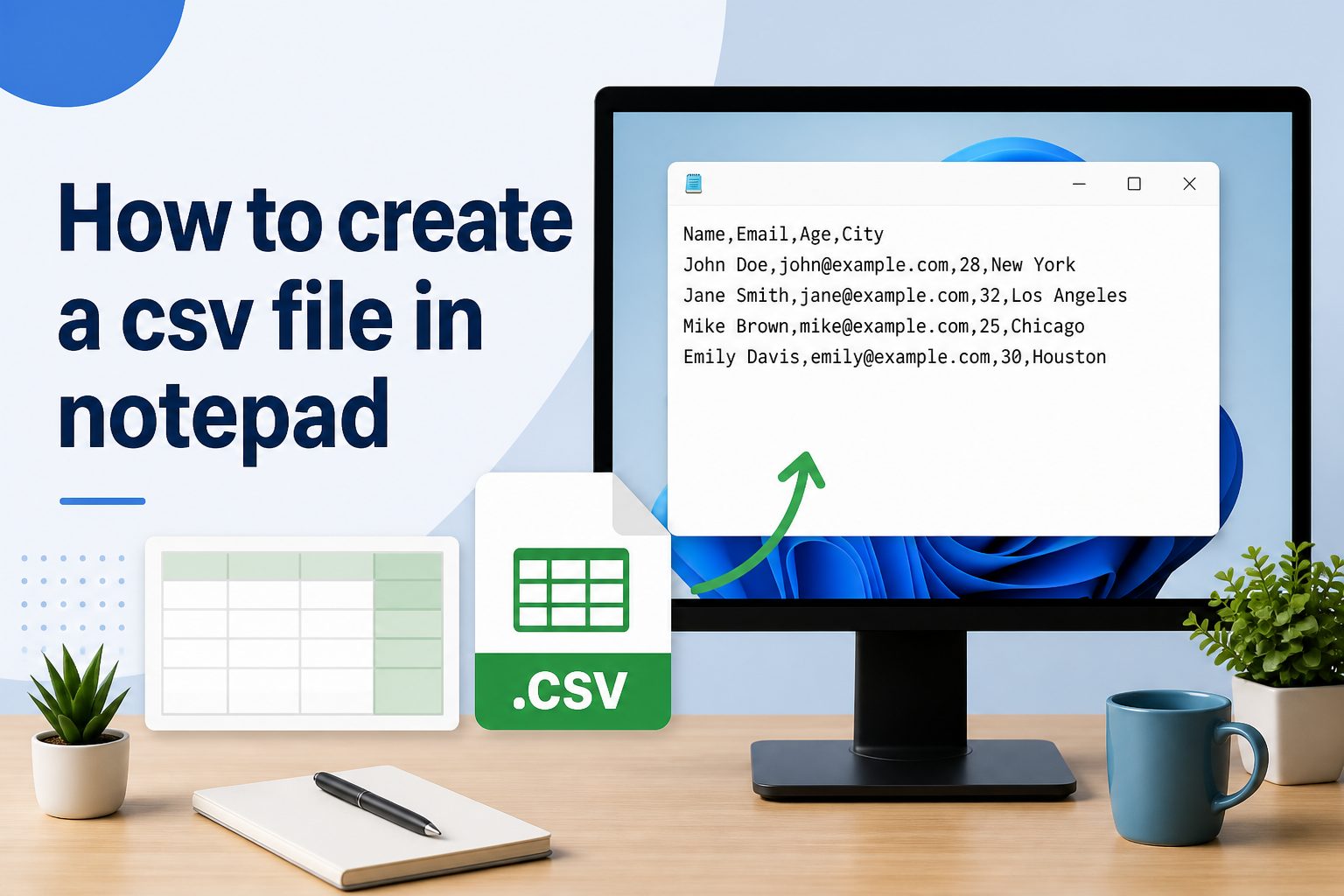
How to Create a CSV File in Notepad
Learn how to structure comma-separated values in Notepad and save them as a valid CSV file ready for spreadsheets and databases.
Read Guide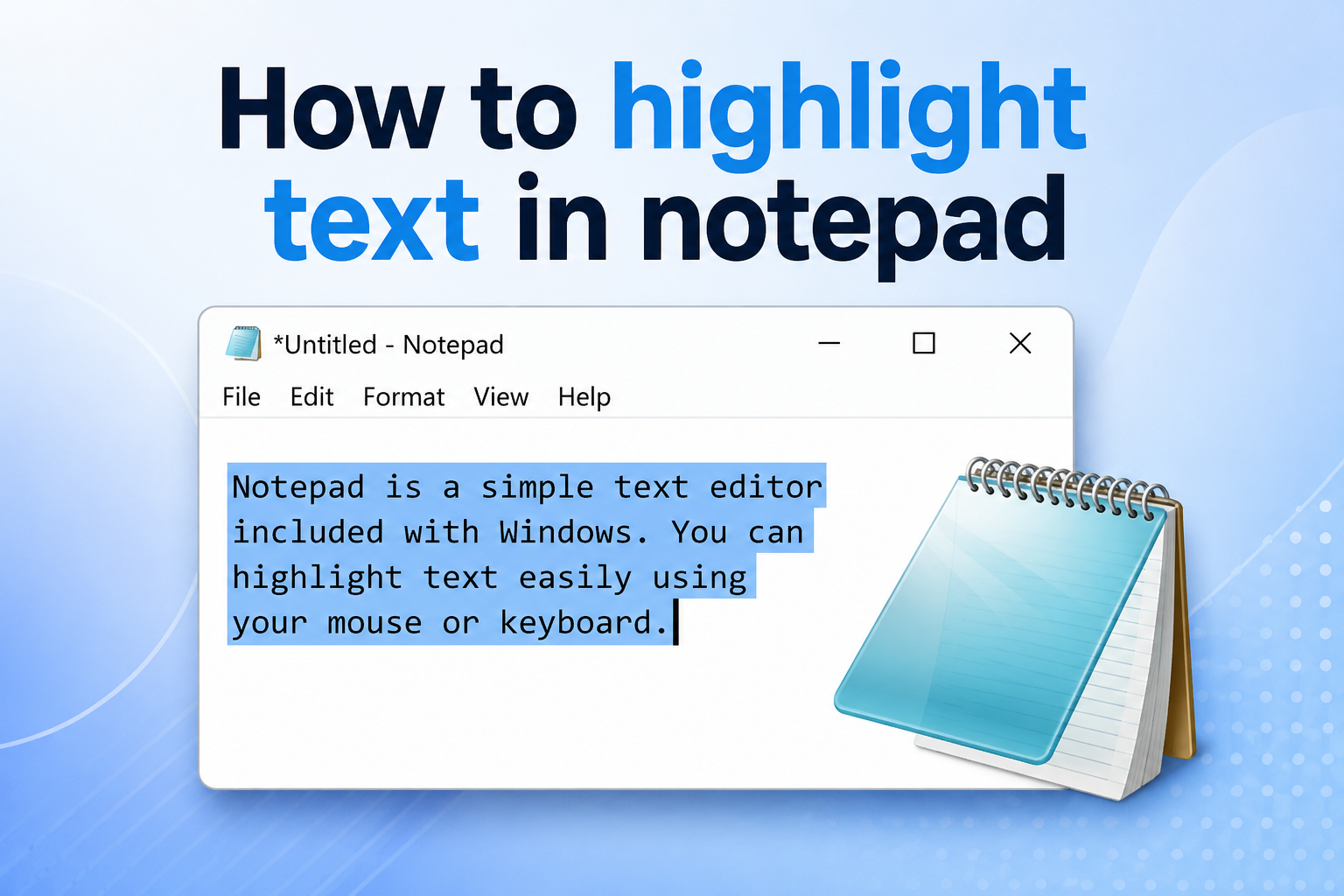
How to Highlight Text in Notepad
Master different ways to select and highlight text in Notepad using keyboard shortcuts, mouse methods, and quick selection tricks.
Read Guide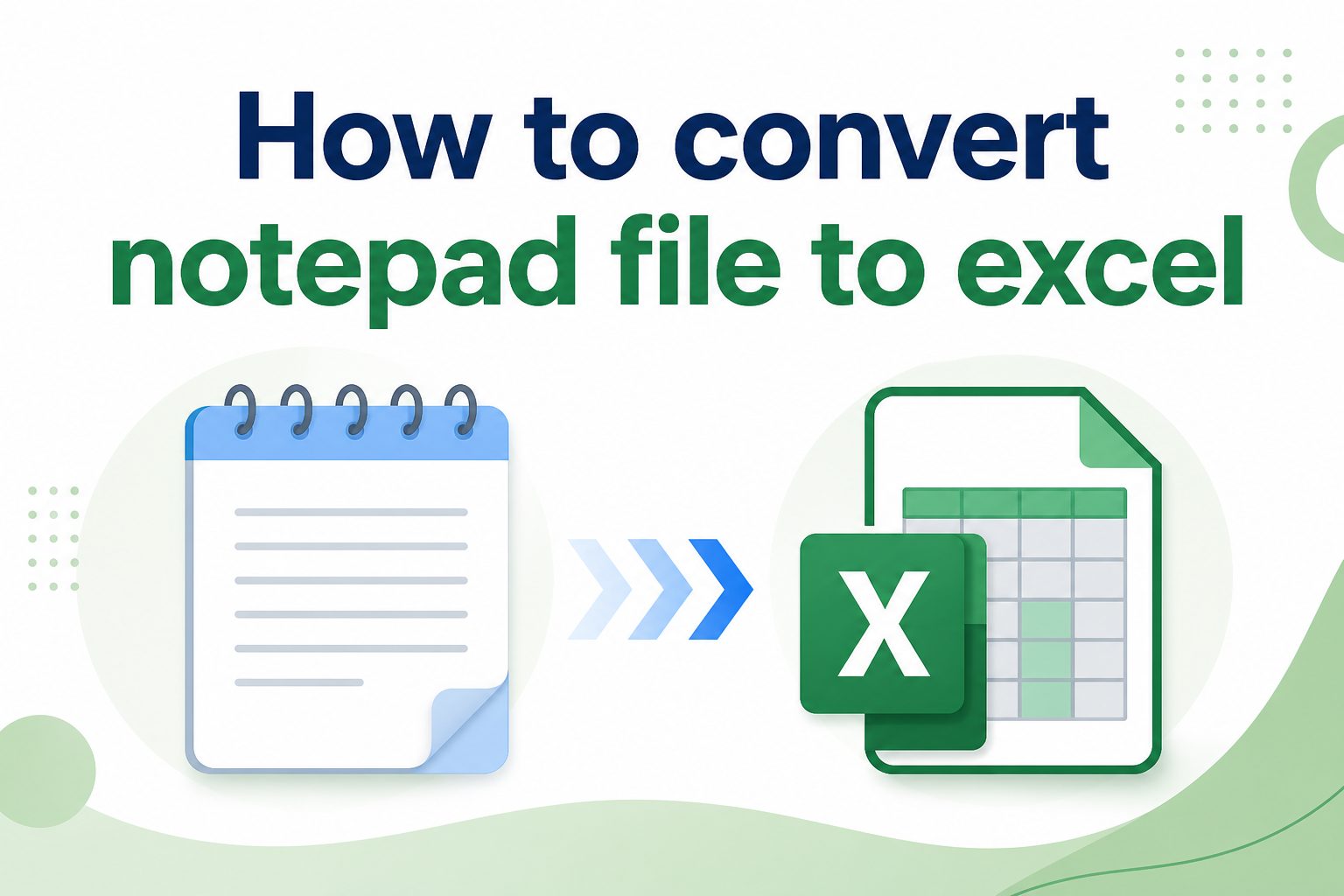
How to Convert a Notepad File to Excel
Step-by-step instructions to convert your .txt Notepad files into organized Excel spreadsheets with proper columns and formatting.
Read GuideCommon Questions
Yes, Notepadline is a free online notepad that you can use directly in your browser without signing up or paying anything.
No account is needed. Just open the page and start writing immediately.
Yes, Notepadline works in mobile browsers so you can write notes on any device.
Notepadline uses your browser's local storage to help keep your text available during your session. For long-term storage, you can copy or download your notes.
Your Next Note Is One Click Away
Open the notepad and start writing. No setup, no sign-up, no waiting — just a clean space for your text.